
Social media images
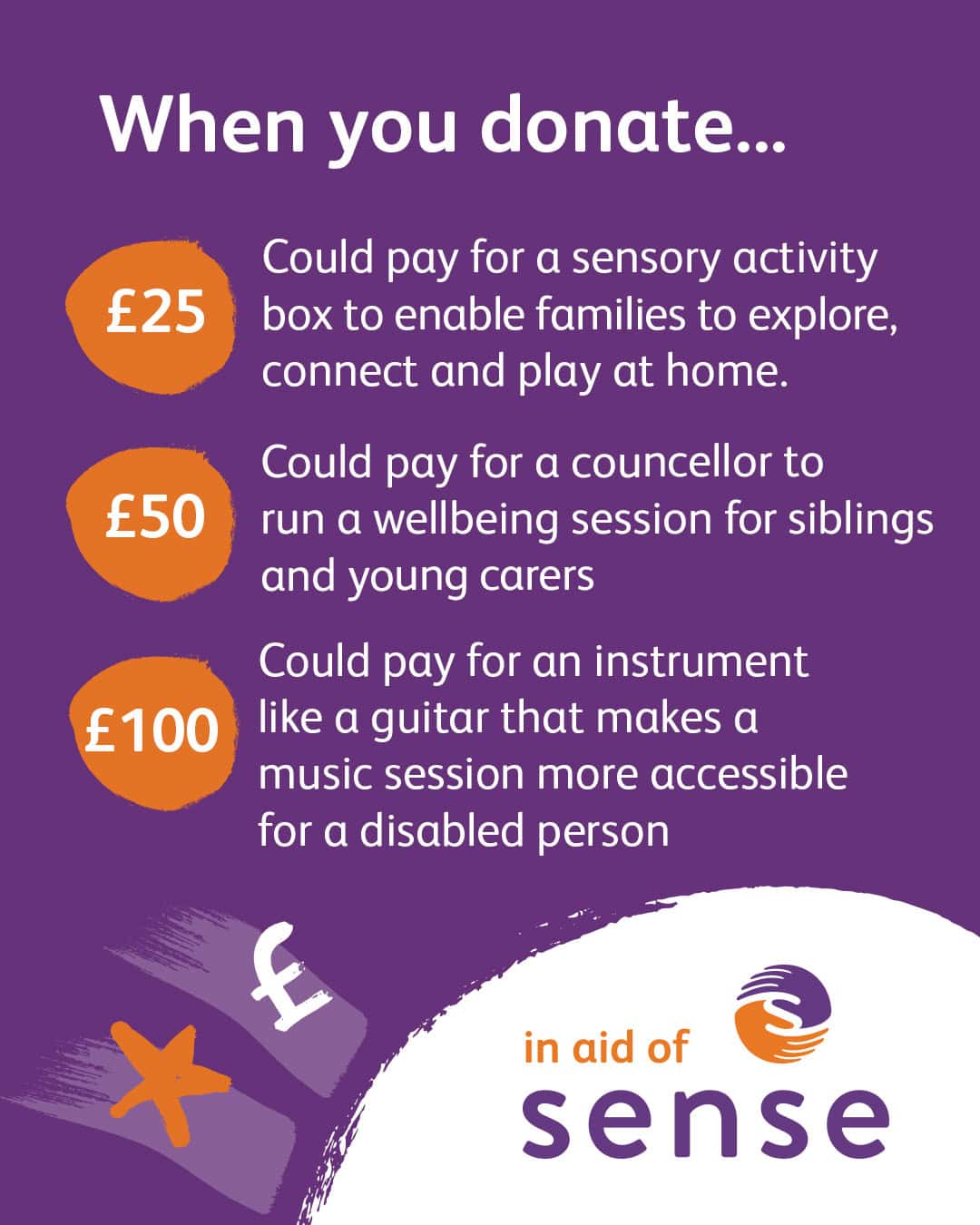
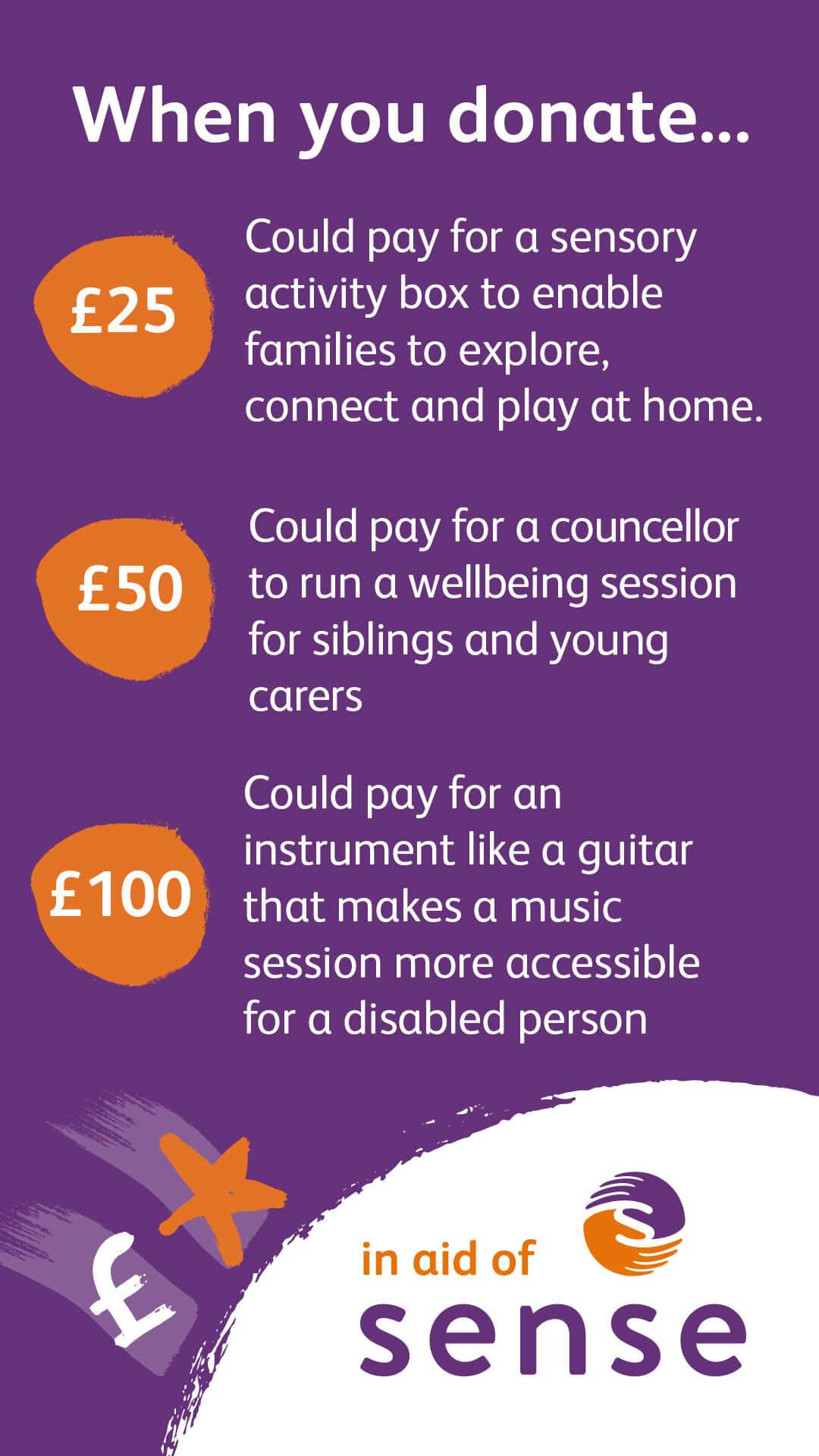
These resources can be posted to your social media to share your fundraising journey with friends and family! We have loads of options so you can track your donation progress, talk about why you are fundraising for Sense and tell people what Sense do.
You can choose from two sizes for Instagram, Facebook, LinkedIn and X.
If you need some help downloading the images, we’ve made a handy how-to guide.
Important information
Images are only to be used whilst fundraising for Sense. Once you have finished fundraising, we ask you no longer use the images for new posts. The text and messaging should not be altered in any way. If a post uses wording and imagery in an inappropriate way we may ask you to remove it.

Your downloadable images

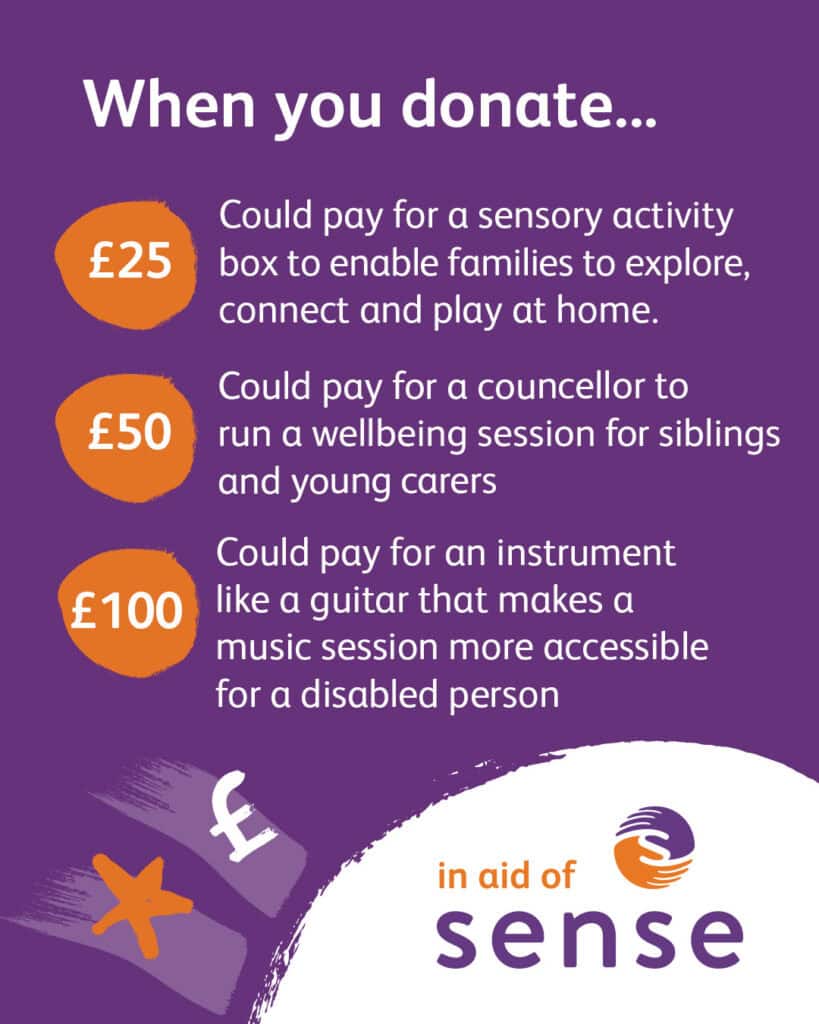
What a Donation Can Do
Facebook, Instagram grid, LinkedIn and X
Instagram stories
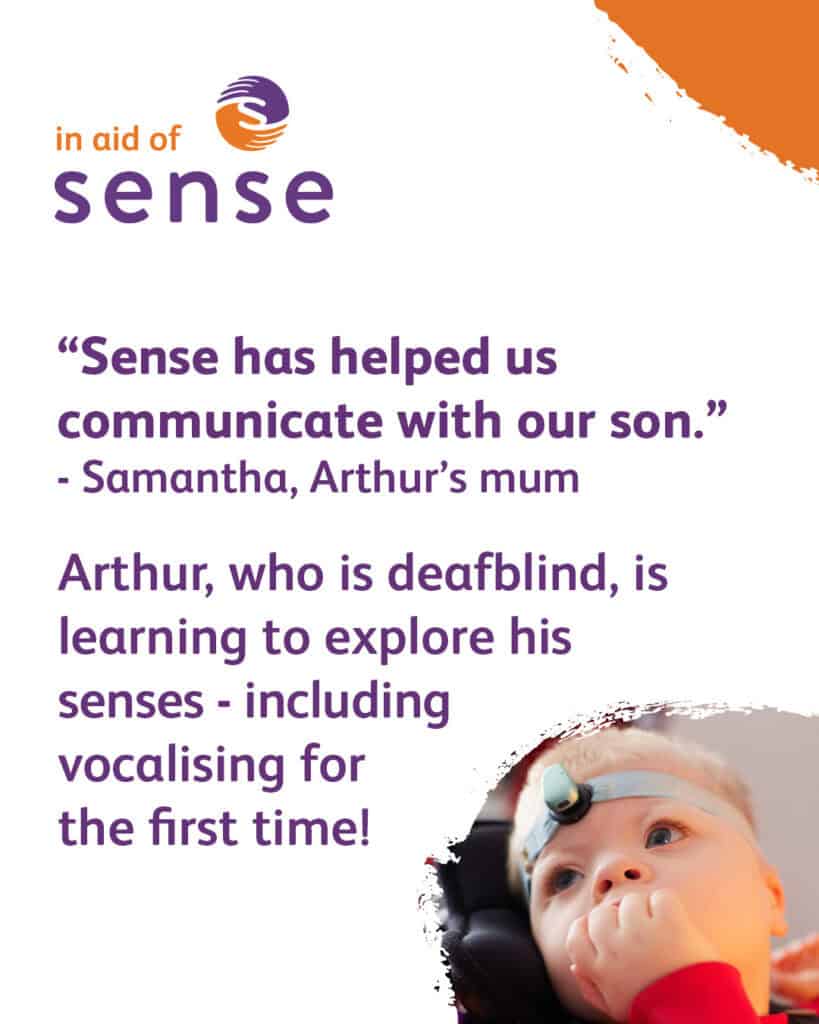
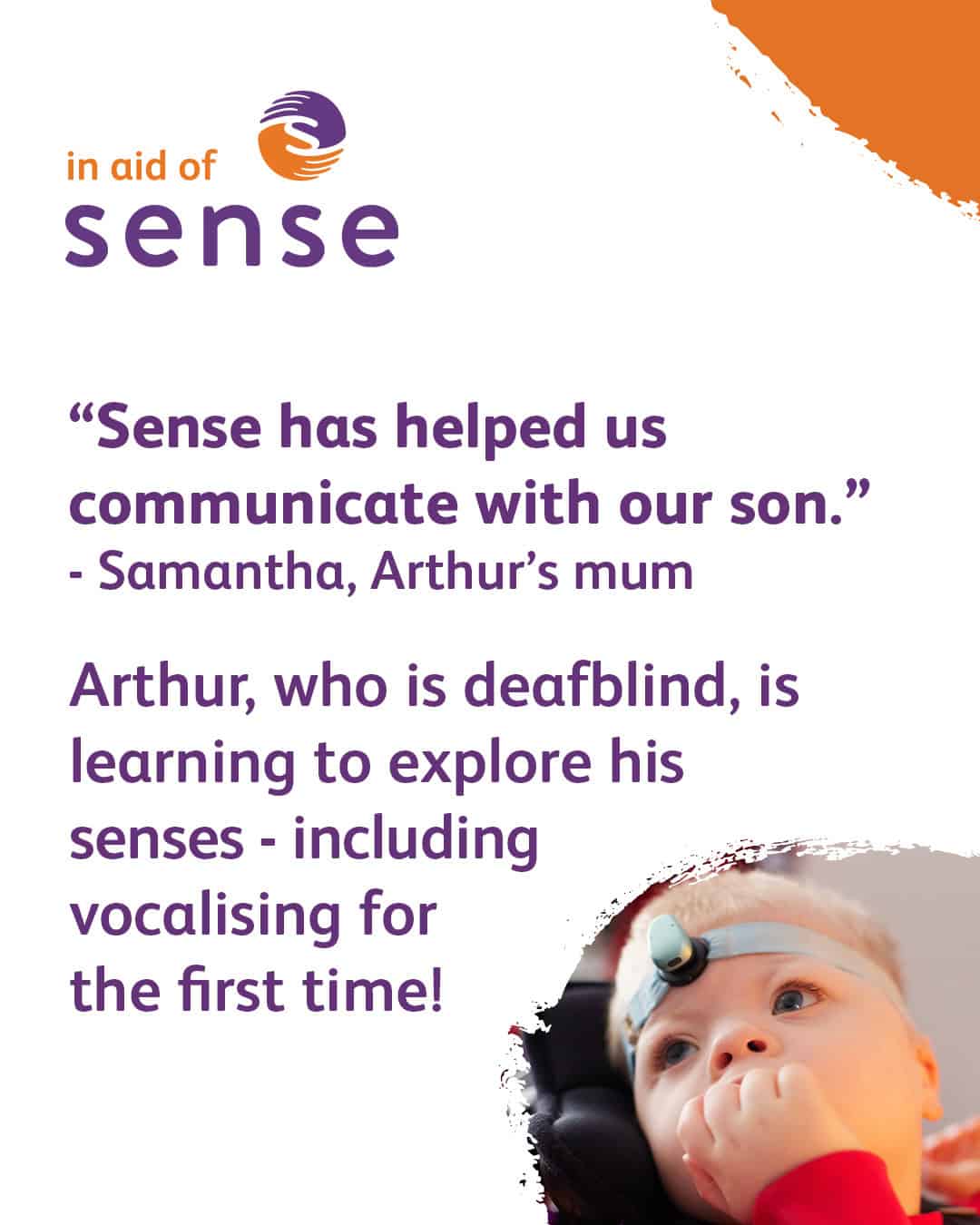
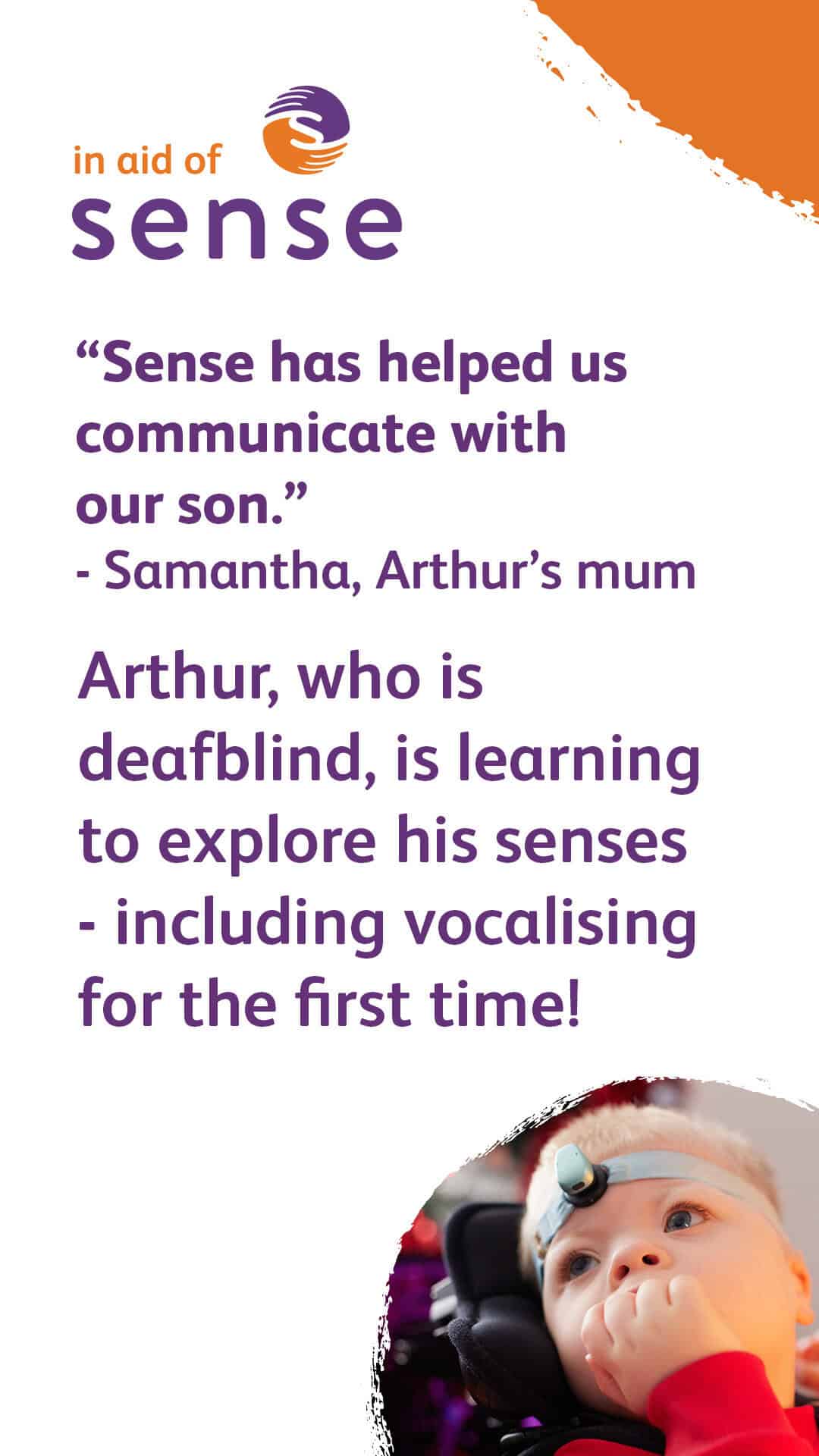
Arthur and Sense
Facebook, Instagram grid, LinkedIn and X
Instagram stories
Why I’m fundraising for Sense
Facebook, Instagram grid, LinkedIn and X
Instagram stories



£450 Target / Paris Marathon
Facebook, Instagram grid, LinkedIn and X
Instagram stories
£700 Target – Manchester Marathon
Facebook, Instagram grid, LinkedIn and X
Instagram stories
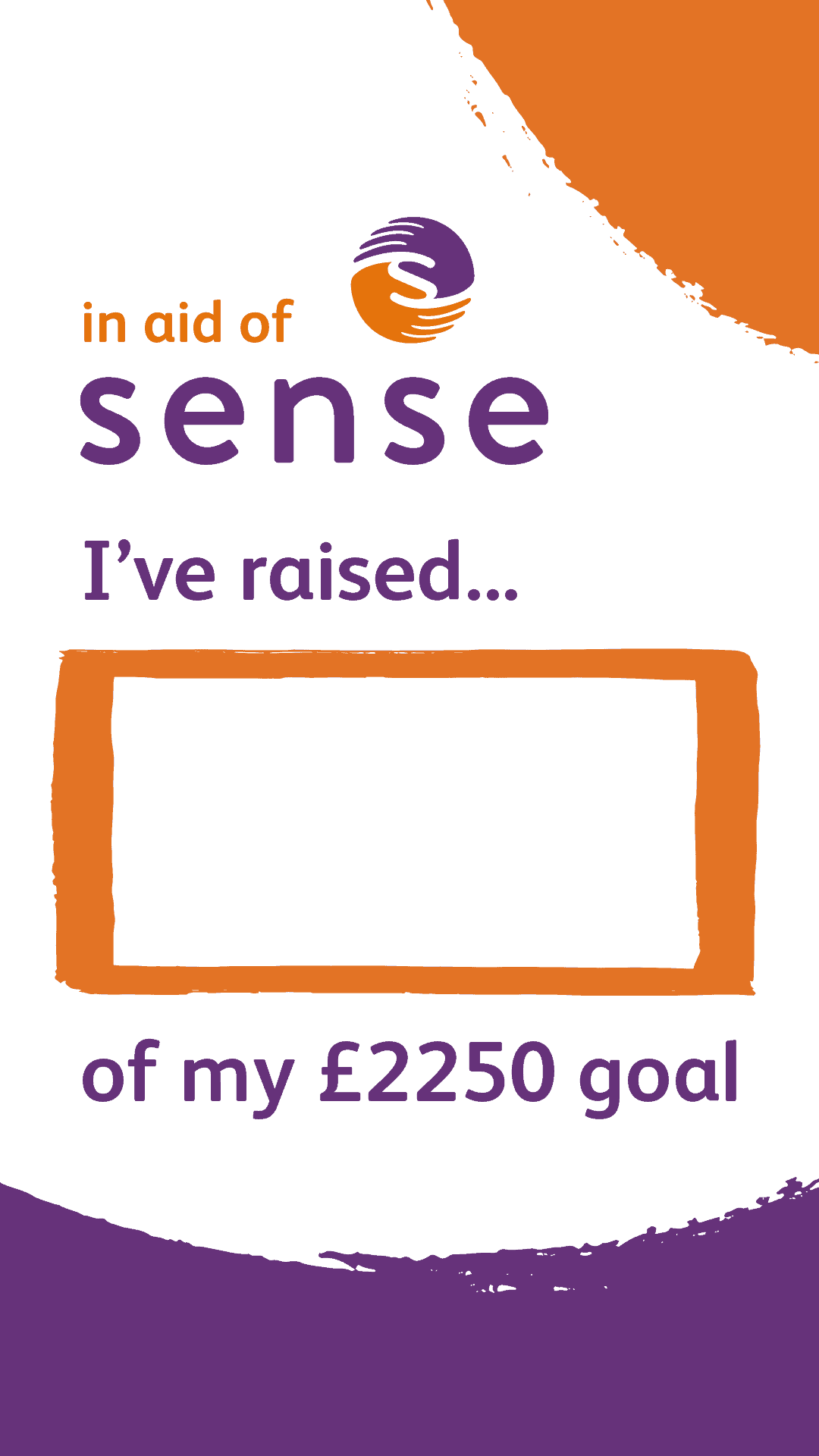
£2250 Target (London Marathon)
Facebook, Instagram grid, LinkedIn and X
Instagram stories



How to guides
How to Add Text – Apple
You can add your own text by downloading the image into your photo library. Then go to edit the image and select ‘markup.’ Press the + button and add text. Press done once you have finished.
You can add your fundraising total to Instagram stories by clicking the text button in the top right corner before you upload it.
How to Add Text – Android
You can add your own text by downloading the image into your photo library. Then go to edit the image and select ‘markup’ and add text. Press done once you have finished.
You can add your fundraising total to Instagram stories by clicking the text button in the top right corner before you upload it.
How to Download Images – Phone
To download the images, press the link of the image you want to download. You can then tap and hold the image. A pop up menu will appear and click ‘save photo.’
How to Download Images – Web
To download the images, press the link of the image you want to download. You can then right-click on the image and save the file to your downloads folder.
Got a question?
If you want to know more about setting up your own fundraising activity, then call us for a chat on 0300 330 9257 or email us [email protected]
Or, if you want to find out more about Sense fundraising events then our Events team would be happy to hear from you! You can call 020 3833 0526 or email [email protected]

Fundraising materials
